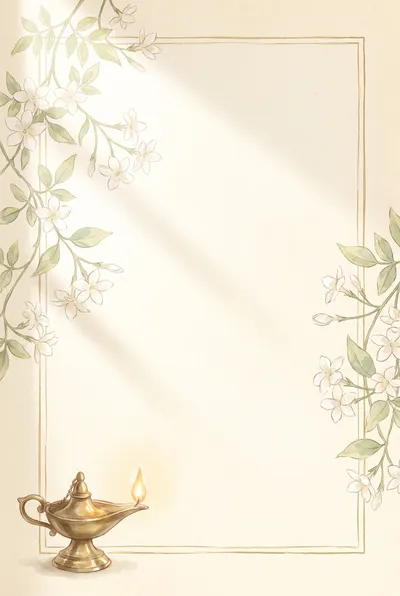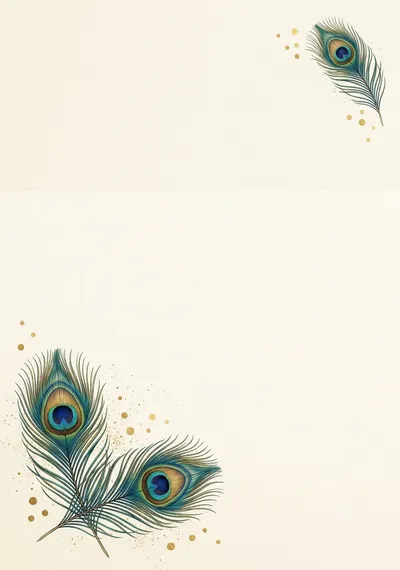

Made with this prompt. AI tools make a new picture each time, so yours will differ a little.
கோபுர கோவில் திருமண அழைப்பிதழ்
Temple Gopuram Wedding Invitation
A grand Hindu wedding invitation background with a temple gopuram, banana trees and brass lamps. Made for printed wedding cards and WhatsApp invitations.
Tamil text that’s always right: add it in Designee
The prompt
Before creating the picture, ask me these short questions: Which main colour do you want: maroon, green or royal blue? Do you want the gopuram at the top or behind the centre?…
Details
What’s in the picture
A golden gopuram at the top, banana trees and mango leaves on the sides, brass lamps at the bottom and a plain cream panel in the middle.
Have these ready
- Bride's and groom's names
- Parents' names
- Date, time and muhurtham
- Hall name and address
- Phone numbers
Read before you generate
Gemini and ChatGPT both do this well. If the centre panel gets busy, ask for "a plain cream panel with nothing on it".
Check before printing
- Spellings of every name
- Date, day and muhurtham time
- Hall address and map
- Card size (5×7 inches) and bleed
Add your Tamil text in Designee
- Make the picture with this prompt and save it.
- Start a design at the same shape and add your picture.
- Type the names, date and place in Tamil: every letter stays clear and editable.
More with Pro: Personalise with AI, Make it editable
Personalise with AIPro
Make it editableProBeta
Ask your AI tool to write this design as a layout. In Designee every text, shape and colour stays editable, in our Tamil fonts.