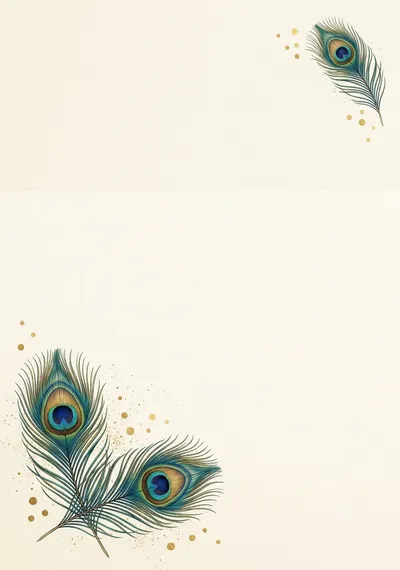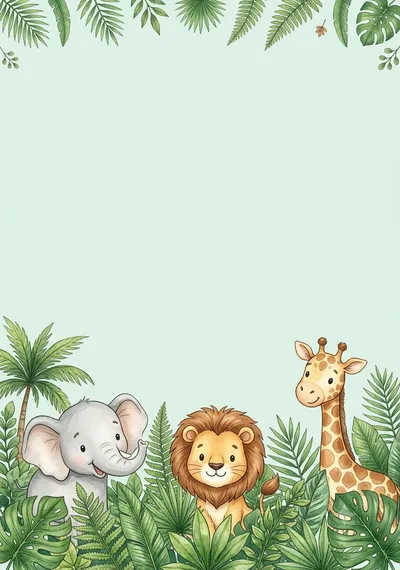

Made with this prompt. AI tools make a new picture each time, so yours will differ a little.
மயில் ஜோடி தாமரைக்குளம் திருமண அழைப்பிதழ்
Peacock Pair Lotus Pond Wedding Invitation
A graceful wedding invitation with two peacocks facing each other over a lotus pond. For printed cards and WhatsApp invitations.
Tamil text that’s always right: add it in Designee
The prompt
Before creating the picture, ask me these short questions: Peacock blue and gold, or pink and gold? Should the peacocks be at the top or at the bottom? Light or dark background?…
Details
What’s in the picture
Two peacocks facing each other over a lotus pond, with a gold border and a clean cream centre.
Have these ready
- Bride's and groom's names
- Parents' names
- Date, time and muhurtham
- Venue and address
- Phone numbers
Read before you generate
If the tails cover the text area, ask for "shorter tails along the edges only".
Check before printing
- Spellings of every name
- Date, day and time
- Venue address
- Card size and bleed
Add your Tamil text in Designee
- Make the picture with this prompt and save it.
- Open the matching template and tap “Add your picture”.
- Type the names, date and place in Tamil: every letter stays clear and editable.
More with Pro: Personalise with AI, Make it editable
Personalise with AIPro
Make it editableProBeta
Ask your AI tool to write this design as a layout. In Designee every text, shape and colour stays editable, in our Tamil fonts.