
Prompt vault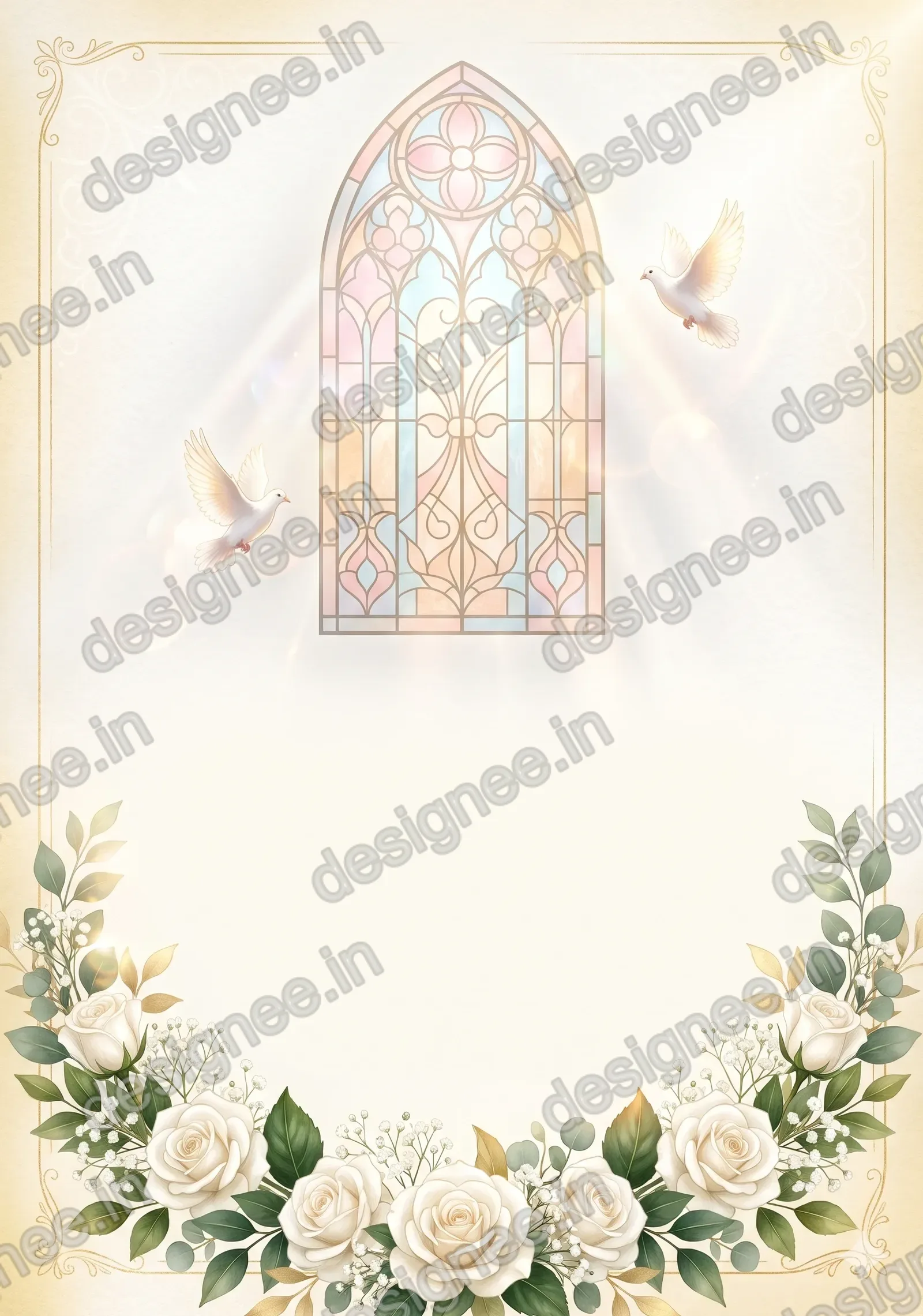
Made with this prompt. AI tools make a new picture each time, so yours will differ a little.
வெள்ளை ரோஜா தேவாலய திருமண அழைப்பிதழ்
Church Wedding Invitation with White Roses
FreeA4 portraitAsks you first
An elegant Christian wedding invitation with a church window, white roses and soft gold light.
Tamil text that’s always right: add it in Designee
The prompt
Before creating the picture, ask me these short questions: Do you want the church window or a church outline? White and gold, or blush pink and gold? Doves or no doves? Wait for…
Details
What’s in the picture
A glowing church window, white roses and two doves, with a clean ivory centre.
Have these ready
- Bride's and groom's names
- Parents' names
- Date, time and muhurtham
- Venue and address
- Phone numbers
Read before you generate
Keep the stained glass pattern abstract, with no figures in it.
Check before printing
- Spellings of every name
- Date, day and time
- Venue address
- Card size and bleed
Add your Tamil text in Designee
- Make the picture with this prompt and save it.
- Start a design at the same shape and add your picture.
- Type the names, date and place in Tamil: every letter stays clear and editable.
More with Pro: Personalise with AI, Make it editable
Personalise with AIPro
Make it editableProBeta
Ask your AI tool to write this design as a layout. In Designee every text, shape and colour stays editable, in our Tamil fonts.