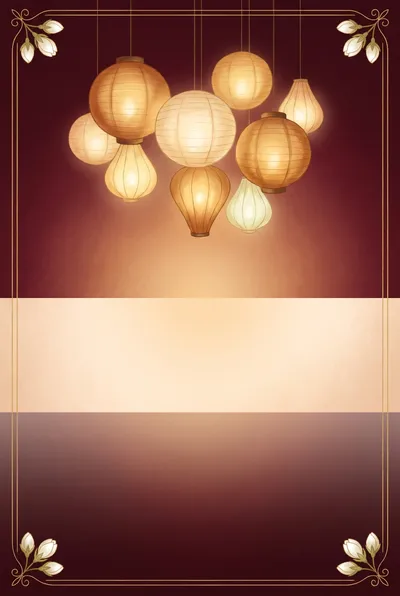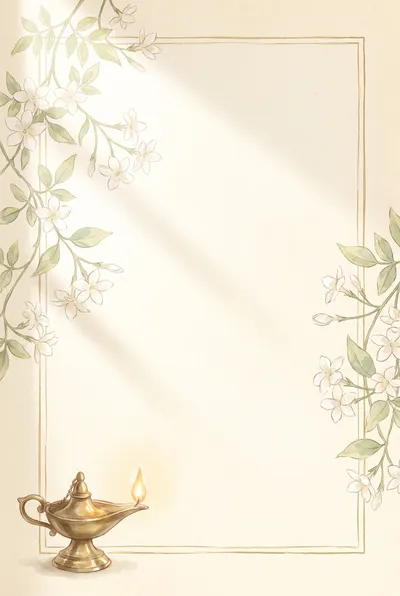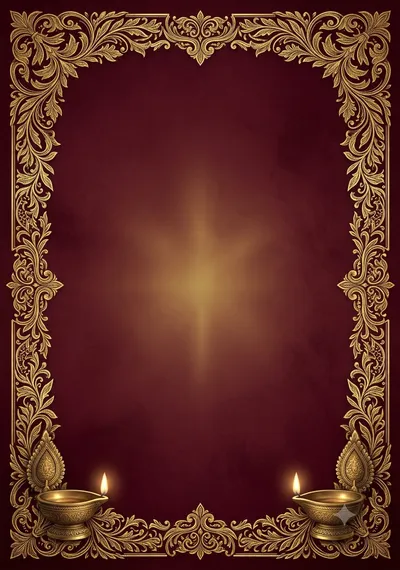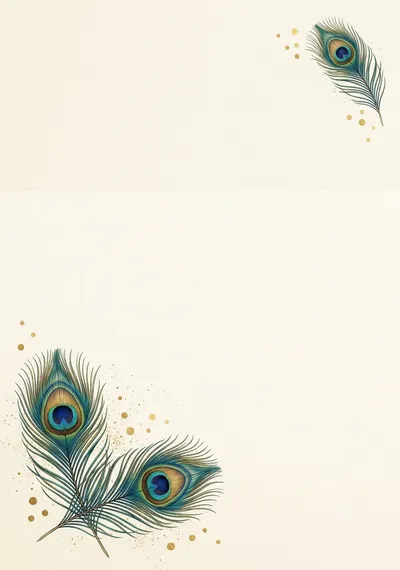

Made with this prompt. AI tools make a new picture each time, so yours will differ a little.
தேர் கோபுர திருமண அழைப்பிதழ்
Chariot and Gopuram Wedding Invitation
An original chariot and gopuram wedding invitation background for A5 and A4 cards, with a clean middle for your Tamil text. Make the picture with AI, then add names, date and place in Designee.
Tamil text that’s always right: add it in Designee
The prompt
Before creating the picture, ask me these short questions: Which main colours do you like? Traditional or modern style? Do you want flowers, lamps or a temple touch? Wait for my…
Details
What’s in the picture
A small temple gopuram silhouette in soft gold at the top centre, and a decorated wooden temple chariot drawn small at the bottom left, with flower petals. Warm turmeric yellow and cream background.
Have these ready
- Bride's and groom's names
- Parents' names
- Date, day and muhurtham time
- Hall name and town
- Phone numbers
Read before you generate
Gemini and ChatGPT both work well. If anything is drawn in the middle, ask for "a plain empty middle".
Check before printing
- Spellings of every name
- Date, day and time
- Venue and town
- A5 or A4 size with 3 mm bleed
Add your Tamil text in Designee
- Make the picture with this prompt and save it.
- Open the matching template and tap “Add your picture”.
- Type the names, date and place in Tamil: every letter stays clear and editable.
More with Pro: Personalise with AI, Make it editable
Personalise with AIPro
Make it editableProBeta
Ask your AI tool to write this design as a layout. In Designee every text, shape and colour stays editable, in our Tamil fonts.